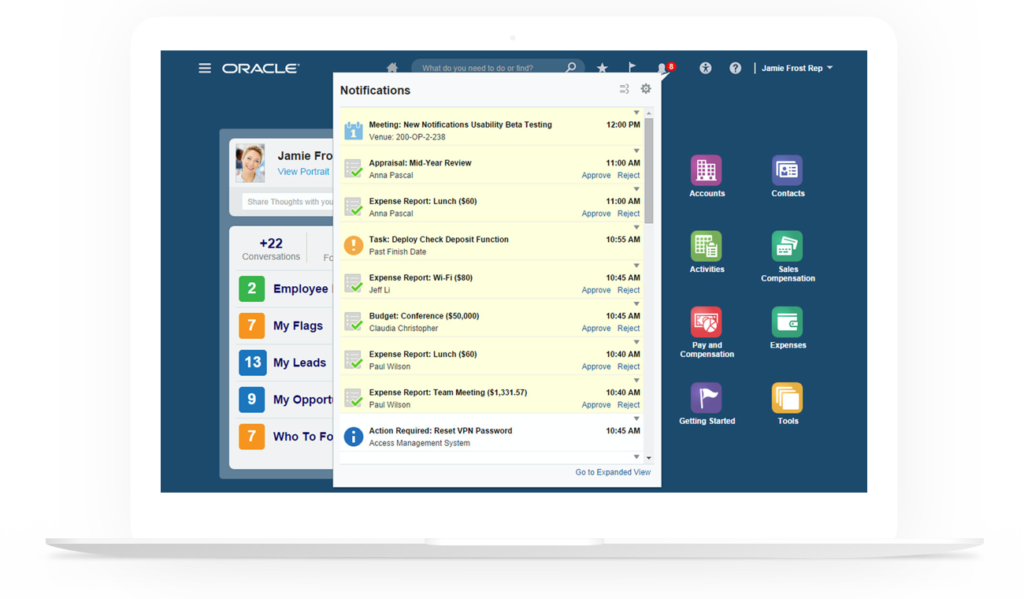
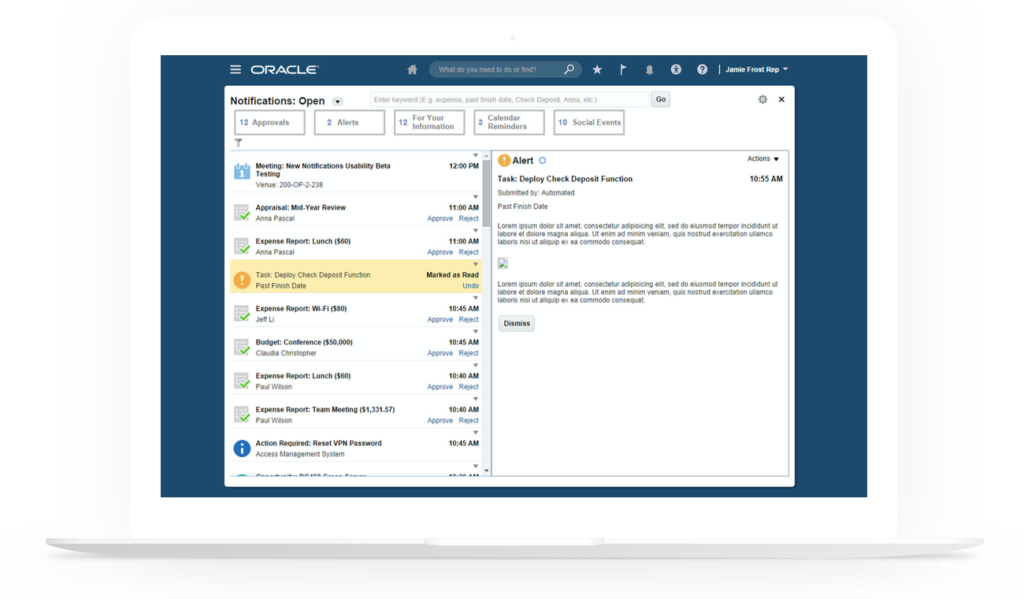
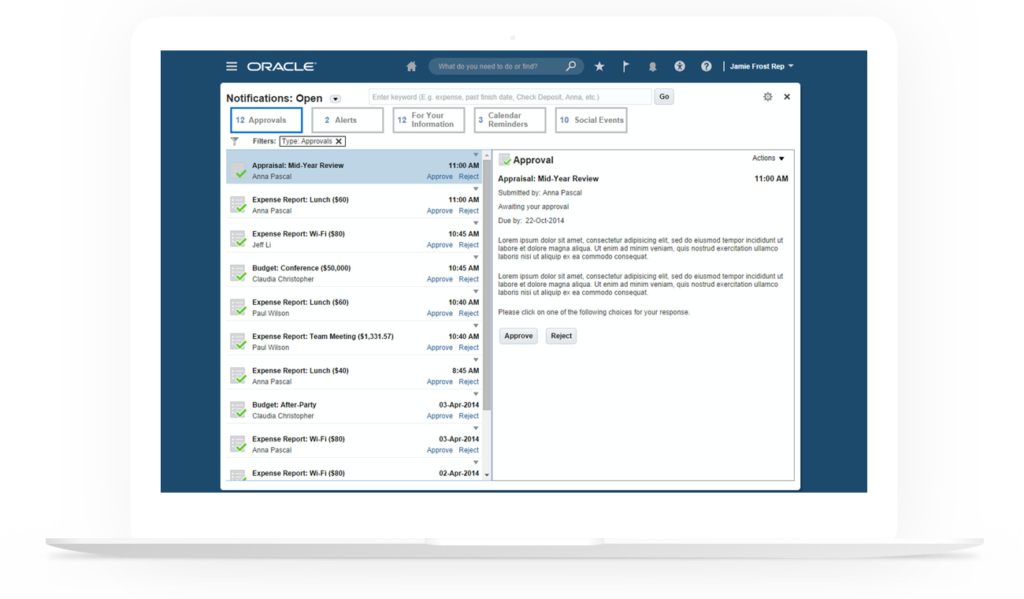
To create a one stop shop for business suite users to see everything they needed to be aware of across all product applications and enable them to act within context.
Challenge
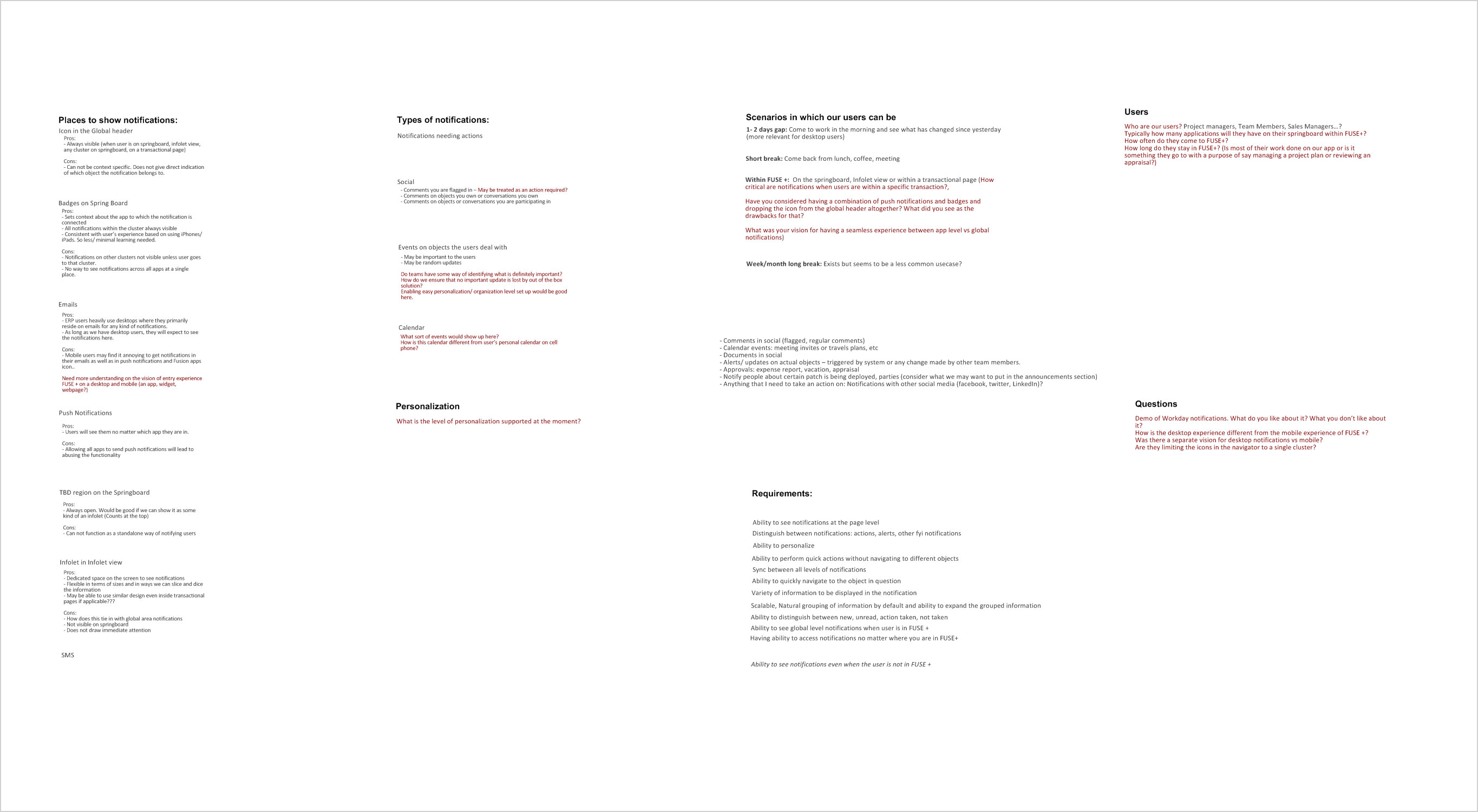
Different products applications were using their own mechanism for alerting their end users about anything they needed to be aware of such as an expense report which had to be approved, a task which was past due, etc. The goal of this project was to create a manageable one stop shop for our application users to see anything that they needed to be aware of and enable them to act within context. The biggest challenge of this project was to create a lightweight UI which is generic and flexible enough to support multiple product domains and optimize it for heavy and casual users. This involved collaborating with six different product families, three technical teams and other UX stakeholders.
Solution
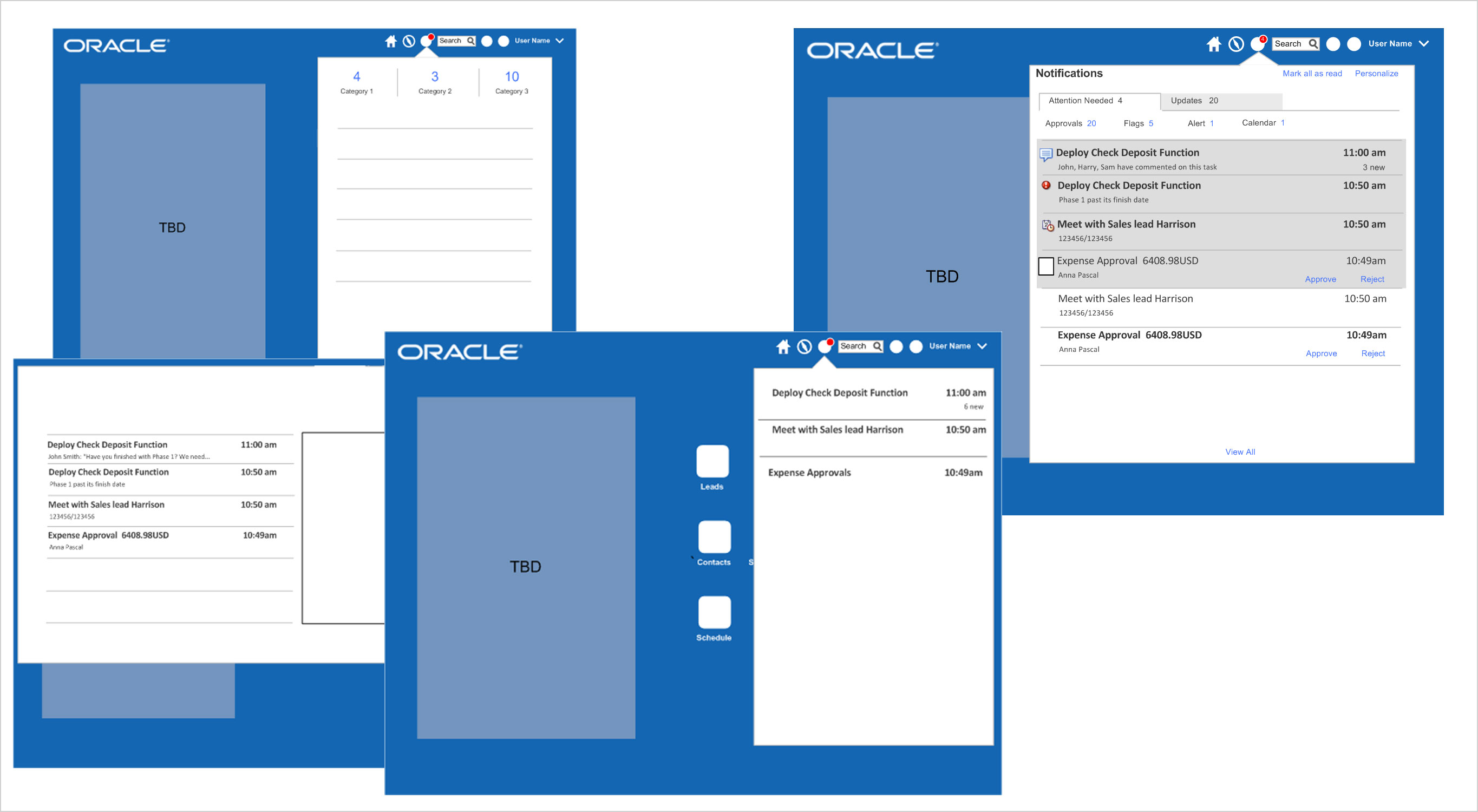
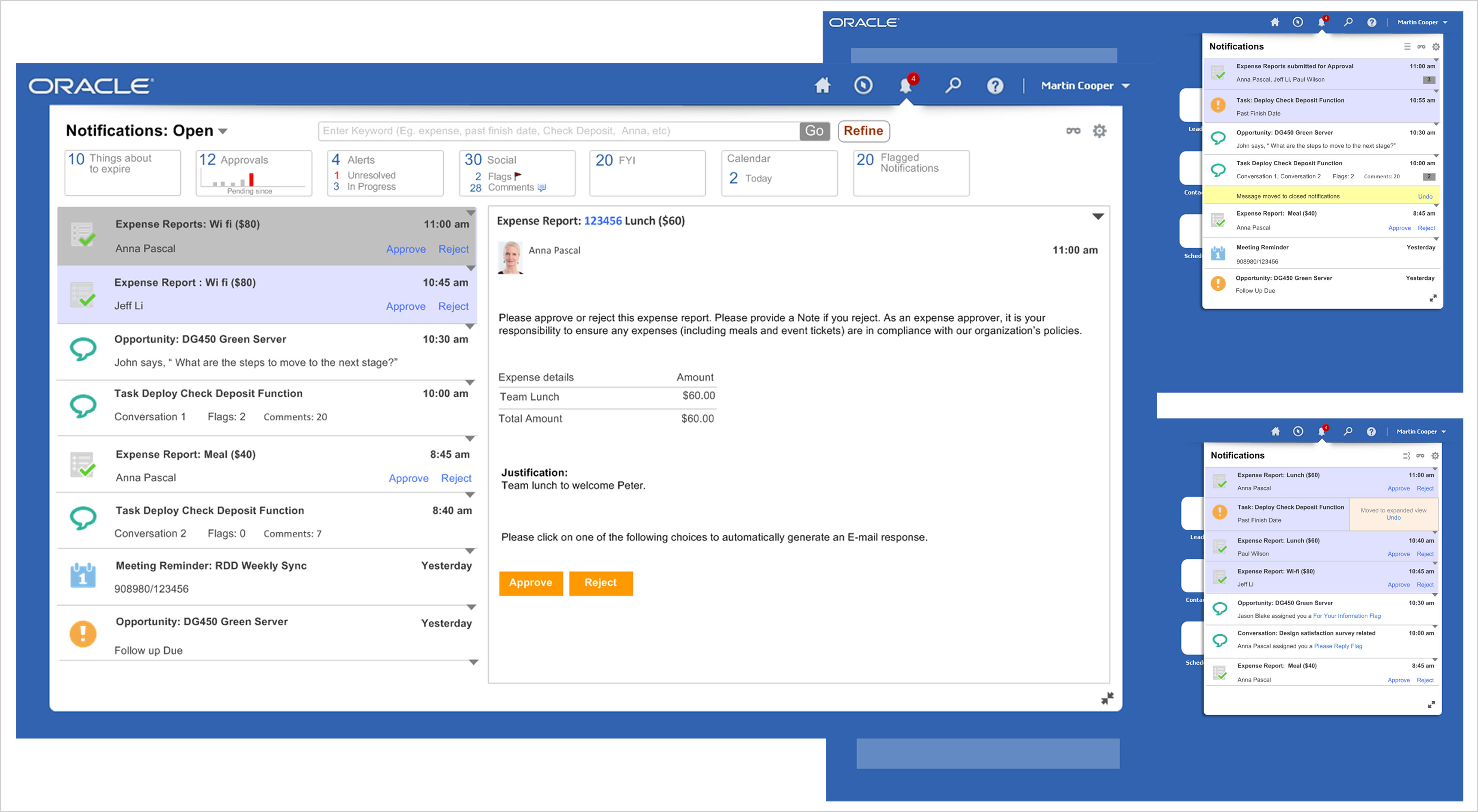
The new design consists of a unified list which supports all types of notifications and notifications content page. The list supports powerful features such as quick actions, search, filters, auto management, personalization and is yet boasts of a minimalist design. A new template for the notifications content page enables stakeholders to convert their data heavy notifications content into more mobile friendly lightweight details. The solution has been designed in a way that most of the design can be reused in the solution for a mobile device.
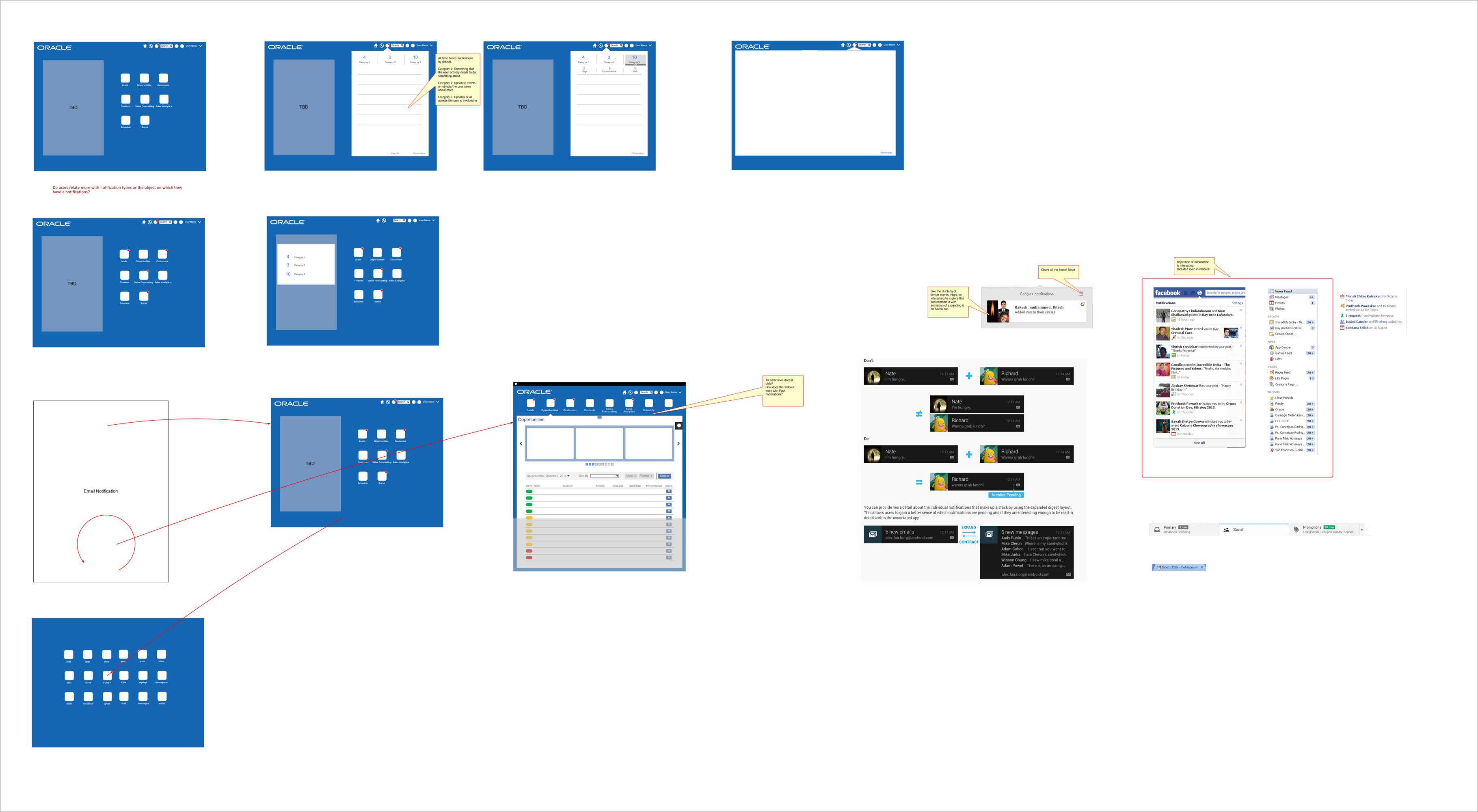
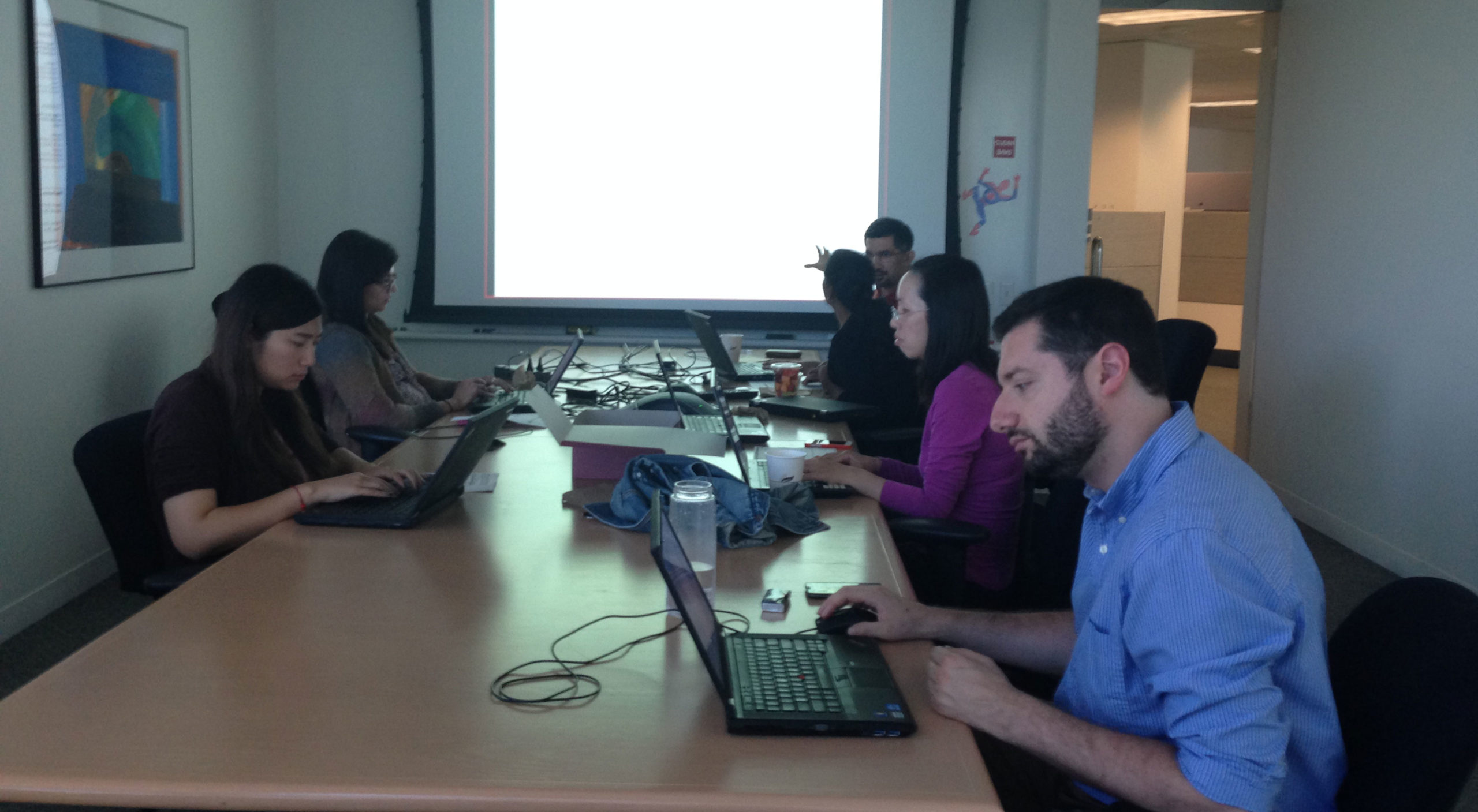
This was a cross product family project and so did not have any single owner. I was the product as well as the design lead of the project. Worked with UX higher management, architect and product family representatives to understand the existing solution, use cases, target users and requirements. Studied patterns in the market to be consistent with the mental models users are developing by using other applications. Identified breakdowns and led the team to define clear design objectives.